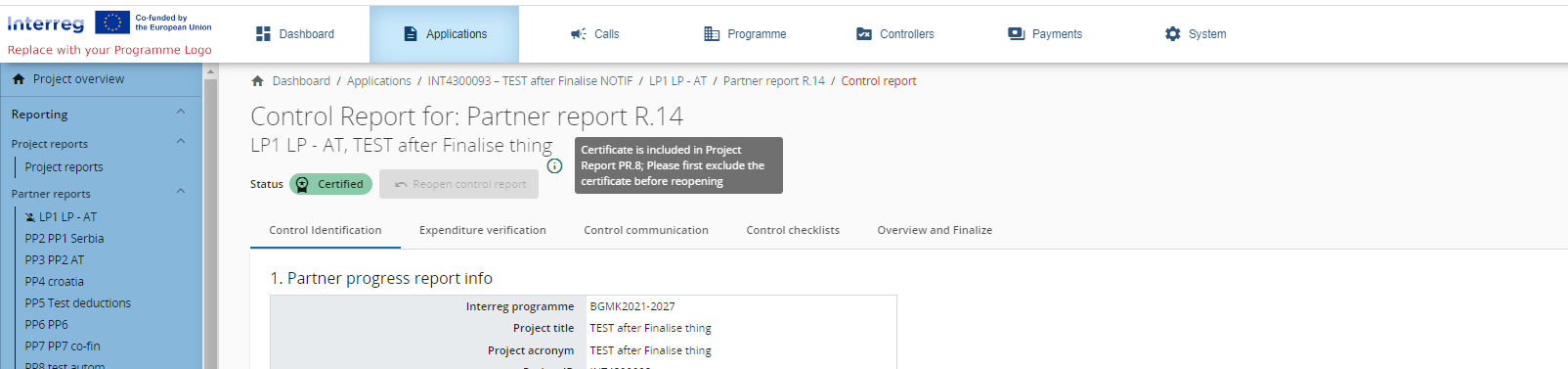
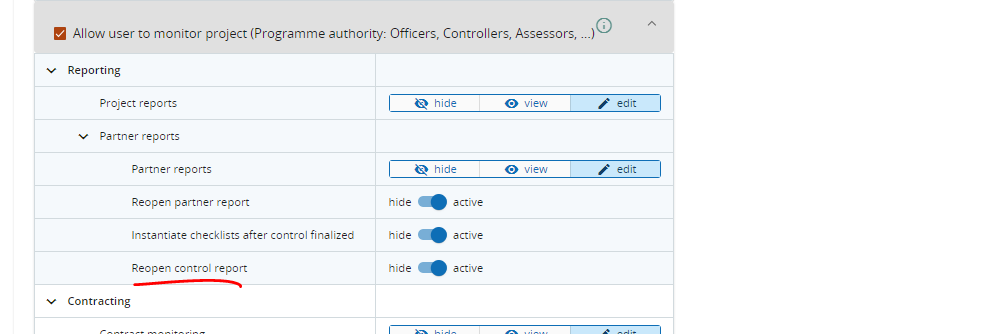
Whenever control work is in status Certified, it can be reopened by a user with the system privilege Reopen control report.
-
Navigate to the Control work by clicking the Open control work button
-
A button should be available called Reopen control report
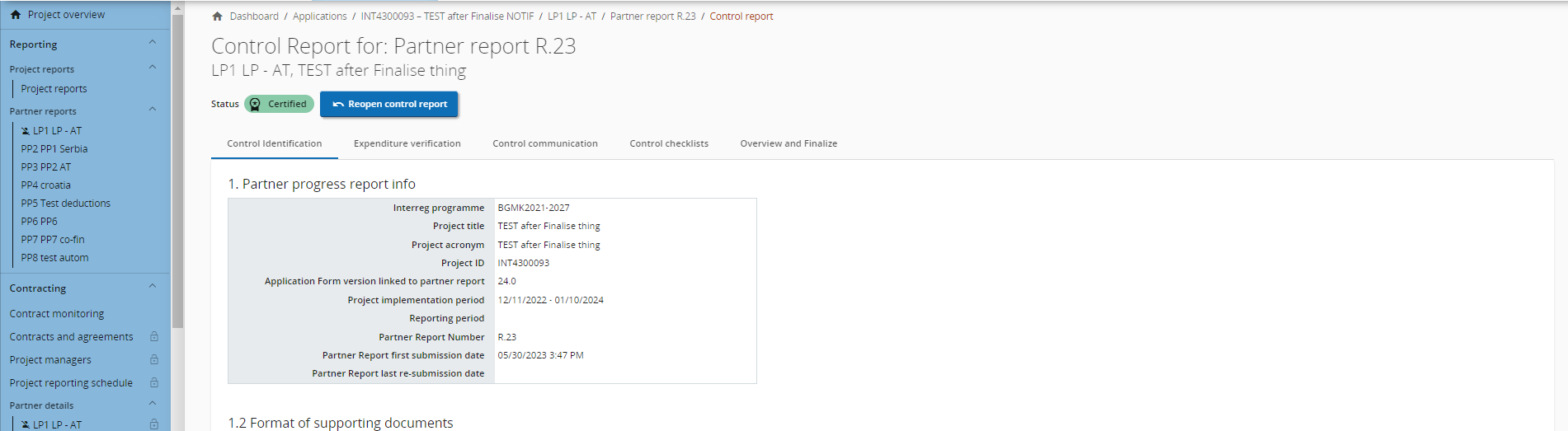
3. When reopening a certified report the report shall go into status Control reopened and the controller is again allowed to edit the control work.
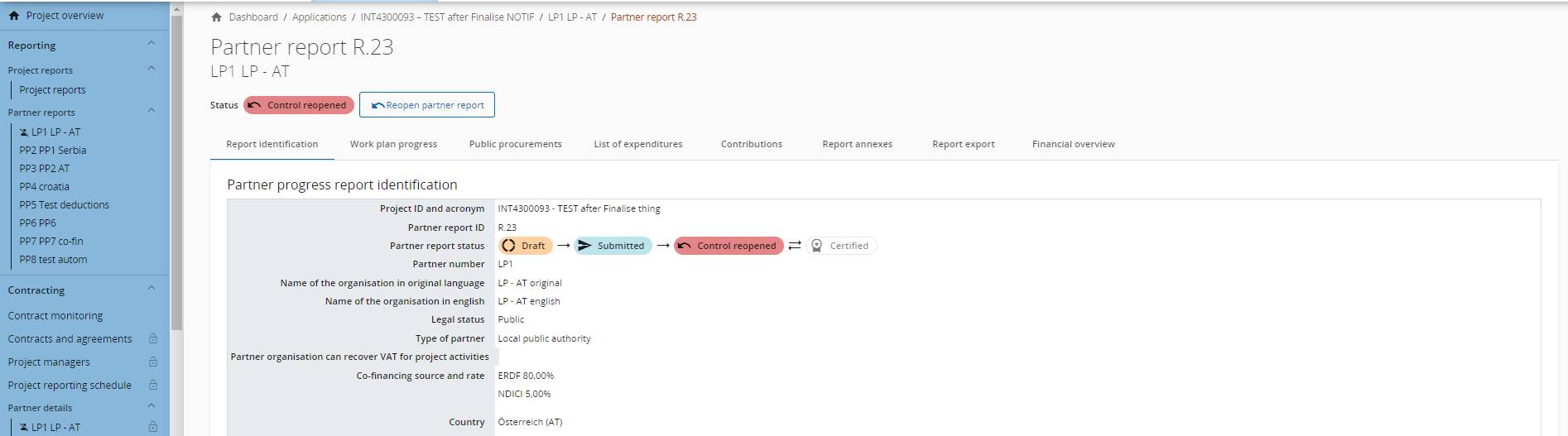
4. When in status Control reopened, a privileged user can also reopen the partner report
In a control work in status Control Reopened, compared to the normal editing of a control work ongoing, the following elements behave different:
-
Control checklists - old checklists cannot be changed, new ones can be added
-
Expenditure verification - user cannot unpark parked items
-
Control communication - user cannot delete old uploads; user can only add new ones and can edit description to all own uploads
-
Overview & Finalize - user cannot delete or replace already existing files
Reopening control work is only possible when the certificate is not yet included in a project report. If you would like to reopen control work that is included in a project report, you must first exclude the certificate from that project report. Then the Reopen control report button will become available again. This is also explained on hovering over the inactive button.