This tab is accessible only to programme users, in all statuses of project report verification. This tab remains hidden for project users (assigned via Project privileges) even after verification work is done.
Programme users can fill in here further details about verification work: clarification rounds, comments by JS, comments by MA and follow-up measures, if any.
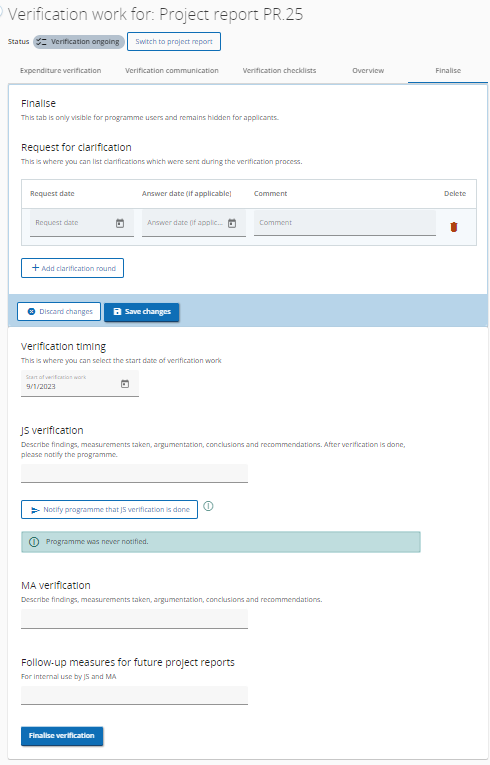
Notify JS work is done
This is an optional sectionin this tab, dedicated mainly to programmes who implement verification of project report by both JS and MA, to notify other users in the system that JS work was finalised.

To become visible in this tab, notification has to be first set up in Call settings - Notifications.
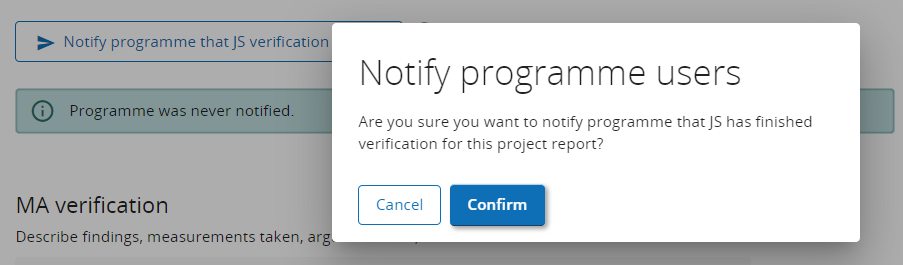
A confirmation is required every time button is clicked.
Notification event is marked in system audit log and last notification event is displayed below the button.

Finalise verification
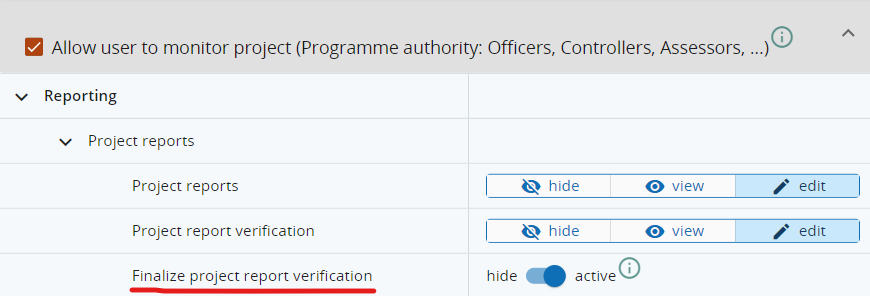
Finalise button is available only for programme users with system privilege Finalise project report verification.
A confirmation is required when the button is clicked.
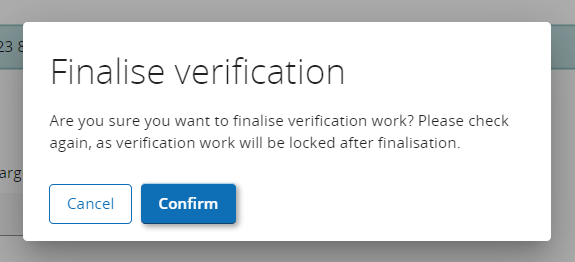
After confirmation:
-
project report status changes to Verified: project report list is updated

-
Verification overview tab becomes visible to project users
-
Payments entries are created in Payments to projects for all Funds and partners that have certified partner reports included in Verified project report.