The login page is the first page seen when accessing Jems.
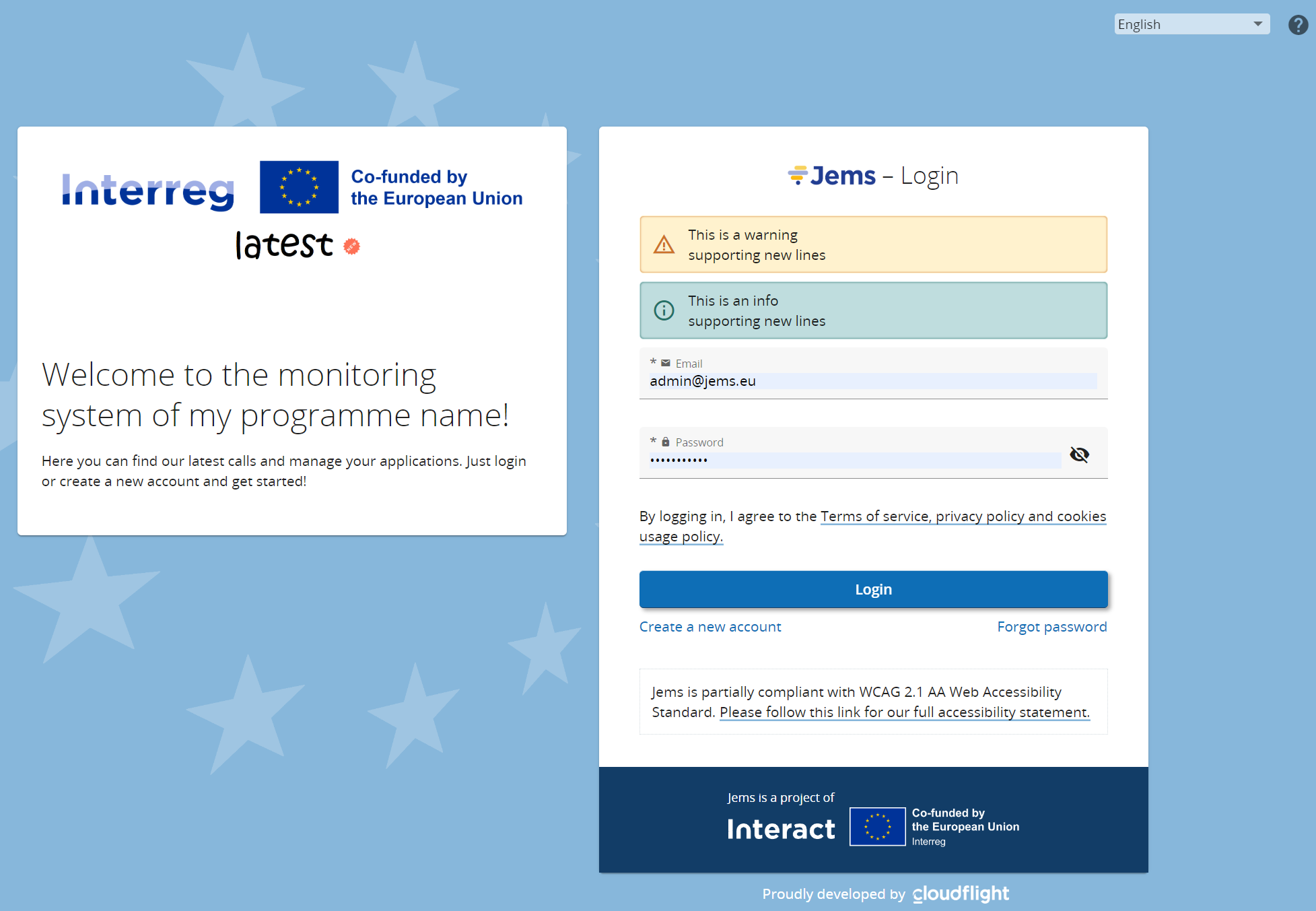
The login page supports different languages and that customization can be done via system translation. Particular detail to warning or info panels that can optionally be set via follow translation keys:
user.login.warning=This is a warning \n supporting new lines
user.login.info=This is an info \n supporting new lines
One of the first customizations to do in Jems is the programme logo.
On successfully login, a user might be conducted to change existing password:
-
If Jems was set for automatic expiration of password (configured by admin)
-
If user was just created by Admin.