
General purpose
The purpose of this document is to provide an overview of how to manage logos in the Jems service.
Location and access
The Jems logo configuration is based on the system dependency Minio.
By default, Minio is accessible on the same host where the Jems service is running, with port number 9001.
To adapt the host name and port number for Minio, you should use docker-compose.yml or adapt the Minio startup parameters.
Please see the installation instructions for more information. Installation instructions
Please make sure that the firewall rules allow access to the Minio service.
Configuration steps
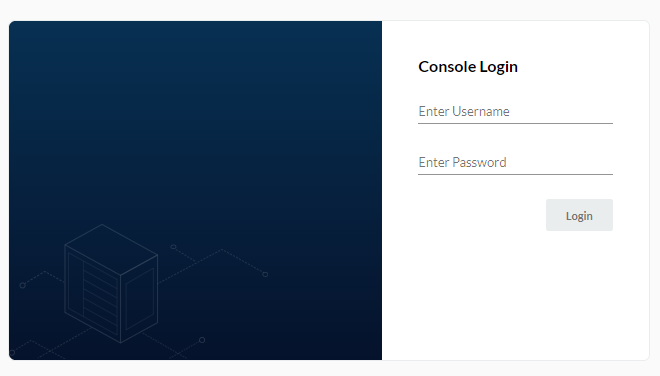
Login
Log in to your Minio service.
Please use the default credentials.
|
Access key |
Secret key |
|---|---|
|
jemsminio |
Minio@2020 |
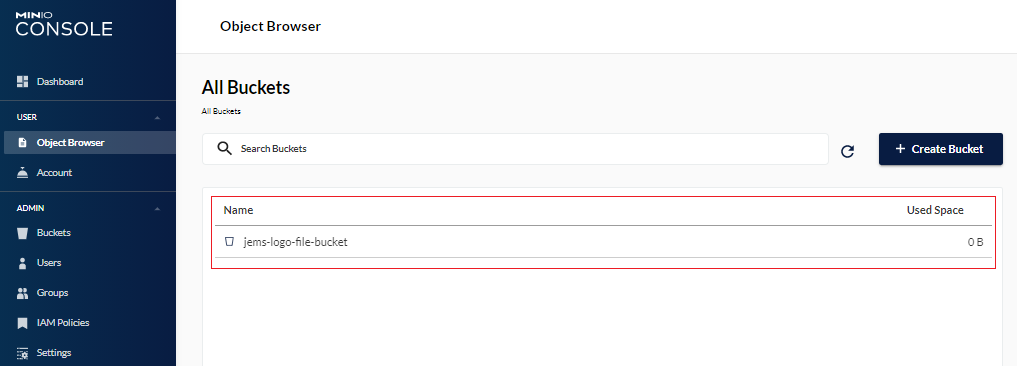
Create new bucket
In the Minio browser
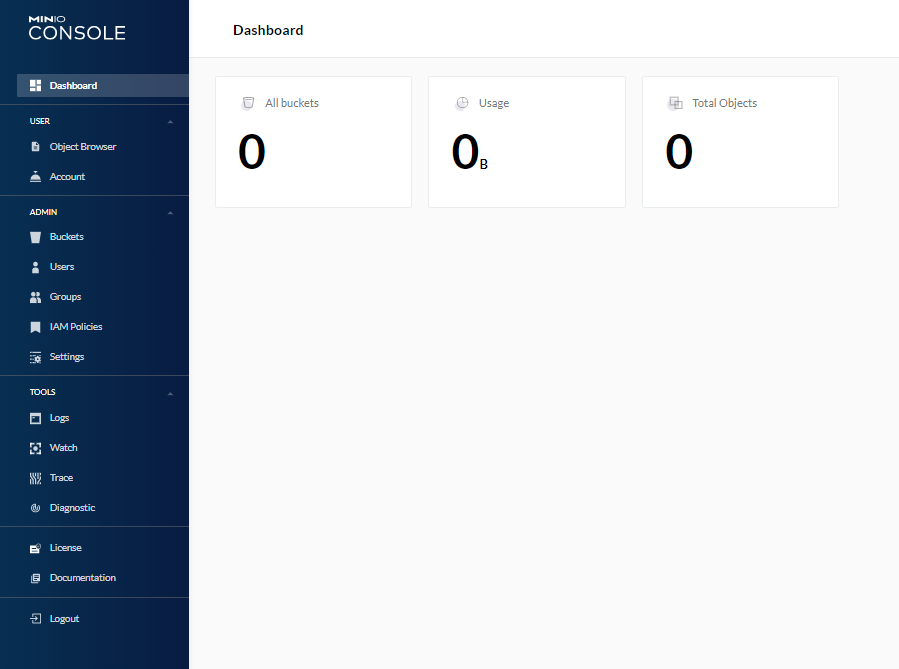
Click on menu item

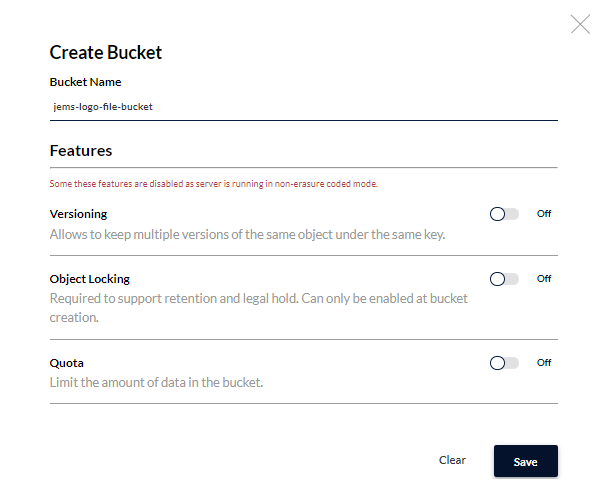
Press the button

To create a new bucket
|
Bucket |
|---|
|
jems-logo-file-bucket |
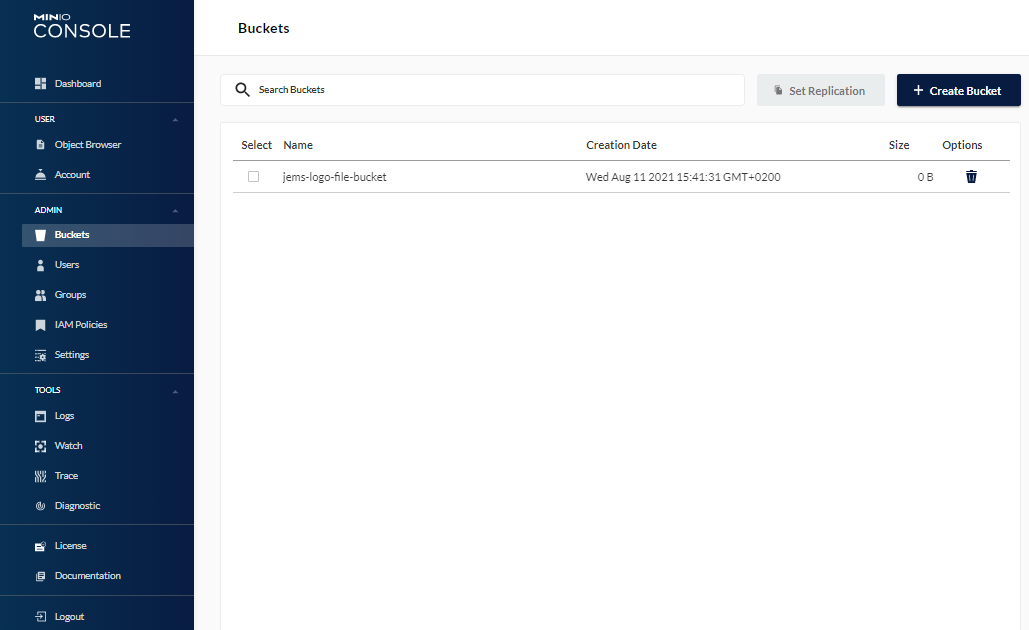
So that the Minio browser looks like this
Upload logo file
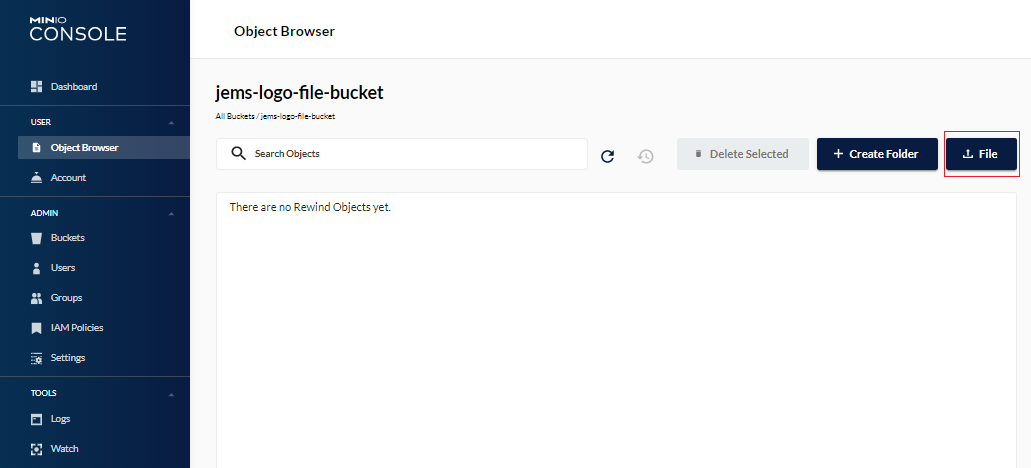
Upload logo file by clicking on the menu item

Open bucket
Upload file
Jems needs two image files of the programme logo:
|
File name |
Purpose |
Recommended image size |
|---|---|---|
|
InterregProgrammeLogo_200.png |
Your programme logo to be used in Jems, on login screen and in the main navigation (top left corner) |
The available space for the logo in the top navigation bar is in landscape format (meaning: more width than height). We recommend that any uploaded logo file also is provided in landscape aspect ratio, with a minimum vertical resolution of 200px. |
|
InterregProgrammeLogo_96.png |
Exports (e.g. AF export) |
minimum vertical resolution of 96px. |
|
InterregProgrammeLogo_48.png |
Exports (e.g. AF export) |
174x48 px |
After a successful upload, your Minio browser should look like this
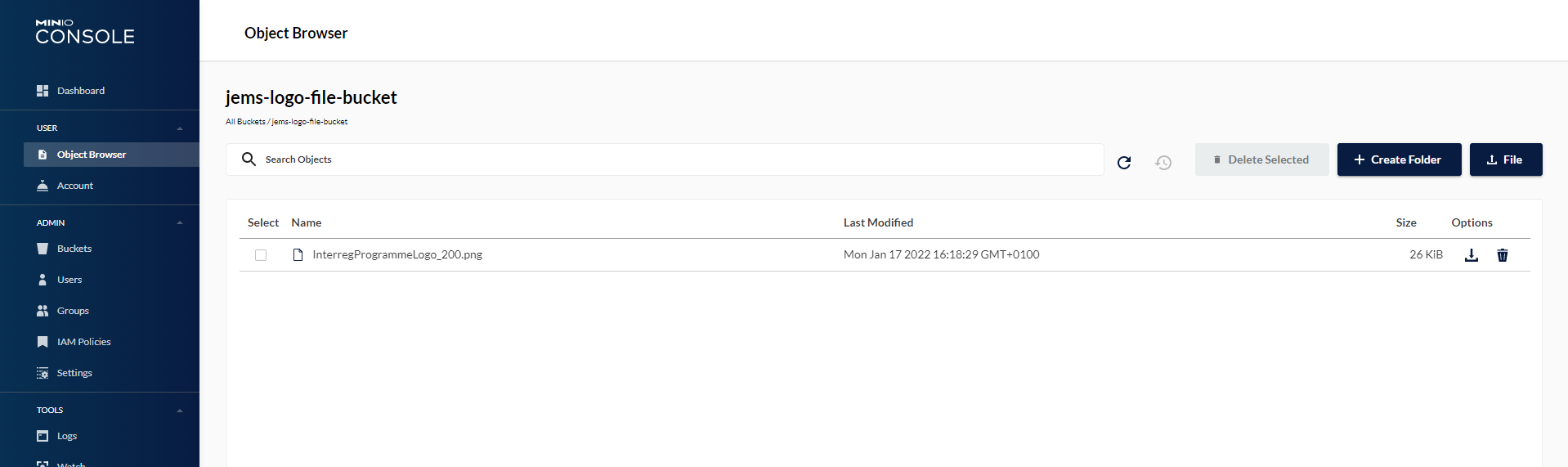
After logo file upload
Please make sure that after uploading the file, you disable the access to the Minio service with firewall rules.
If you decide to change the Access key or Secret key for Minio, please make sure that you also update the startup parameters of the Jems service.
Please see the installation instructions for more information Installation instructions