
When you go to Payments / Accounts, you land on the accounts overview page. For each fund activated in the Programme setup (see Funds), a table is added that shows the accounts for the 9 accounting years of the programming period 2021-2027 as rows. Clicking on one of the rows brings you to the accounts of that accounting year.
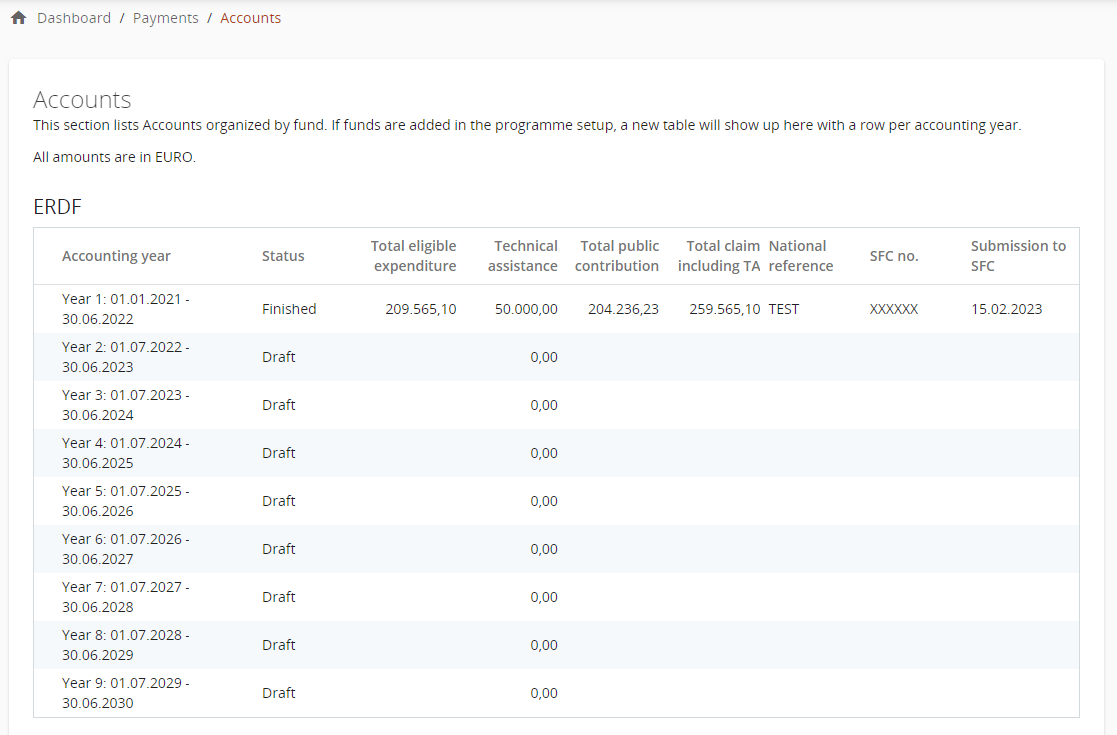
Once the Summary of Accounts - Appendix 1 are filled-in and the accounts are finished, the table will be populated with all relevant data.
If a new fund is activated in the programme setup, the table with the accounting years for that fund is created and the accounts can be accessed.