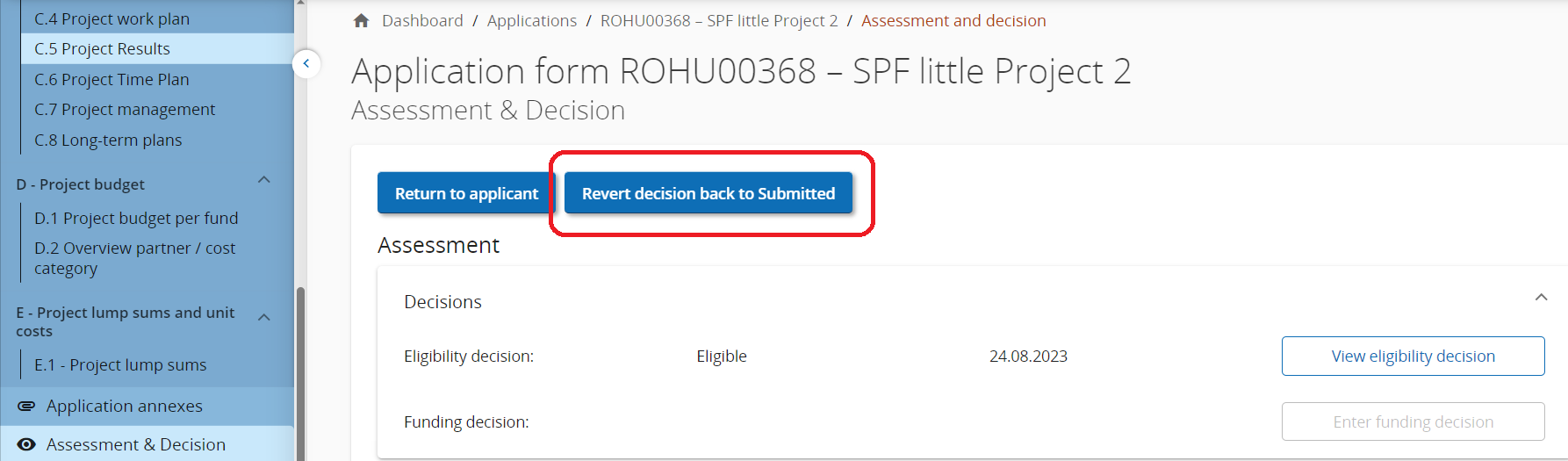
Changing the status of an application can in principle not be undone. However, in case of a mistake, if immediately spotted, a privileged user (Administrator) can revert a decision at least one step back.
The table below lists all possible status changes in the system. Please note that this function gets disabled in case application form version has proceeded after status change.
|
Status change from |
to previous status |
restrictions |
|---|---|---|
|
“approved” or “not approved” |
“approved with conditions” |
only if not returned to applicant and resubmitted already in from - status |
|
“approved”, “not approved” or “approved with conditions” |
“eligible” |
only if not returned to applicant and resubmitted already in from - status |
|
“eligible” |
“submitted” |
only if not returned to applicant and resubmitted already in status “eligible” |
|
“ineligible” |
“submitted” |
- |
Privilege to revert decisions
The setting Revert decision can be found in section Allow user to monitor project in System privileges:
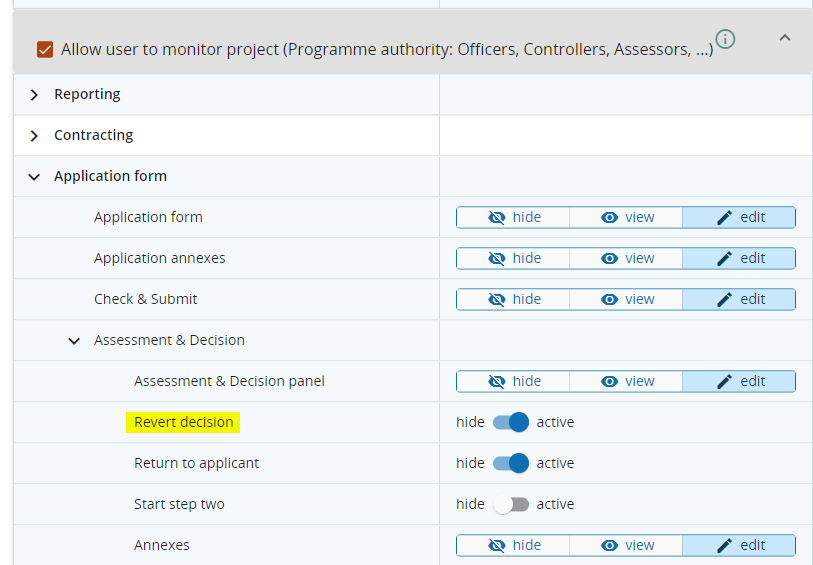
This function shall be used only in the rare cases of a mistake (wrong status change). It is strongly recommended to provide this privilege only to administrators.
The privilege to Revert decision requires
-
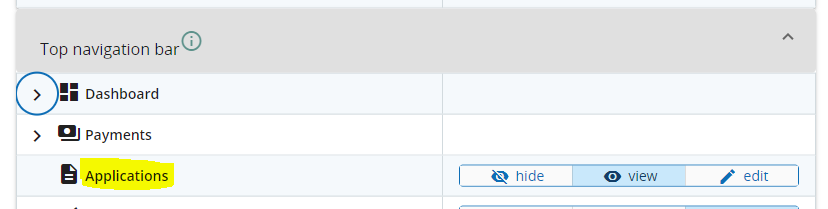
a user role with view or edit access to all applications via Applications menu in top navigation (recommended).
-
Users with privilege to Monitor projects will be able to revert decisions only for such applications they are assigned to.