
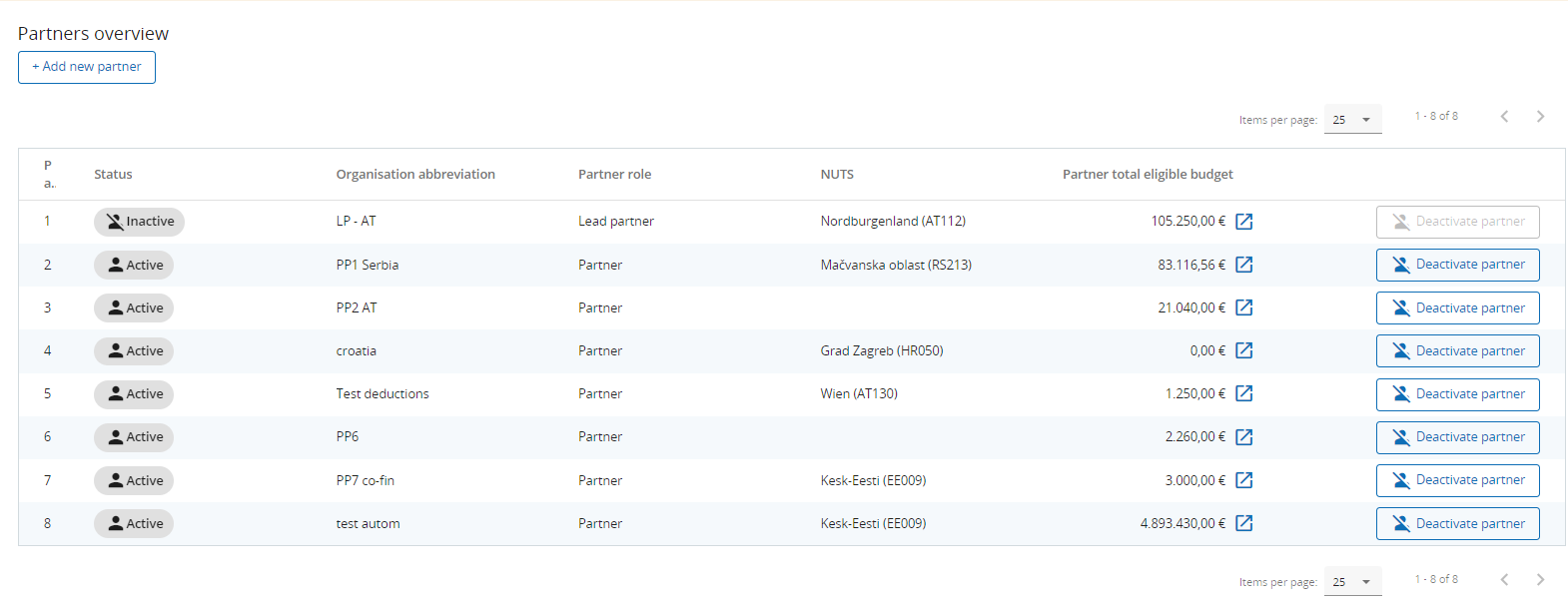
The partners overview provides an overview of all the partners within the project. Essential data is displayed in this overview list, which also contains the following useful features:
-
Clicking on the + Add new partner allows for creating a new partner
-
Clicking on one specific partner in the lists gives you access to the partner page.
-
Clicking on the Budget button allows you to directly navigate to the partners budget section on the partner page.
-
Clicking the trashcan allows you to delete one of the partners. This option will be replaced by deactivation from status Approved onwards, see section Modification of the Application form.
A maximum of 50 partners can be assigned to one project.
A specific partner page contains the following tabs: