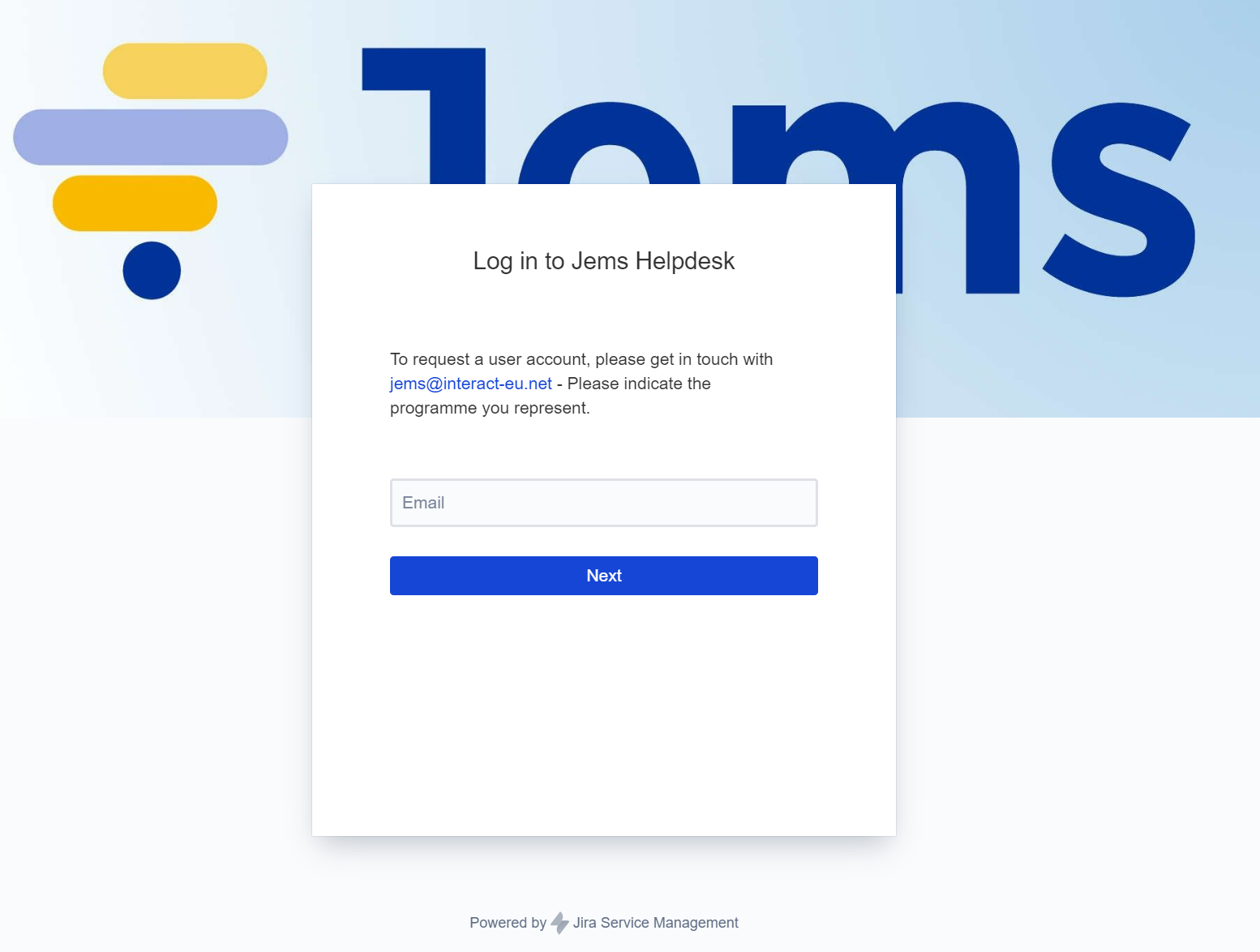
You can get Jems support on helpdesk.interact-eu.net
In case you don’t have an account you must contact us (jems@interact-eu.net) so that we will invite you!
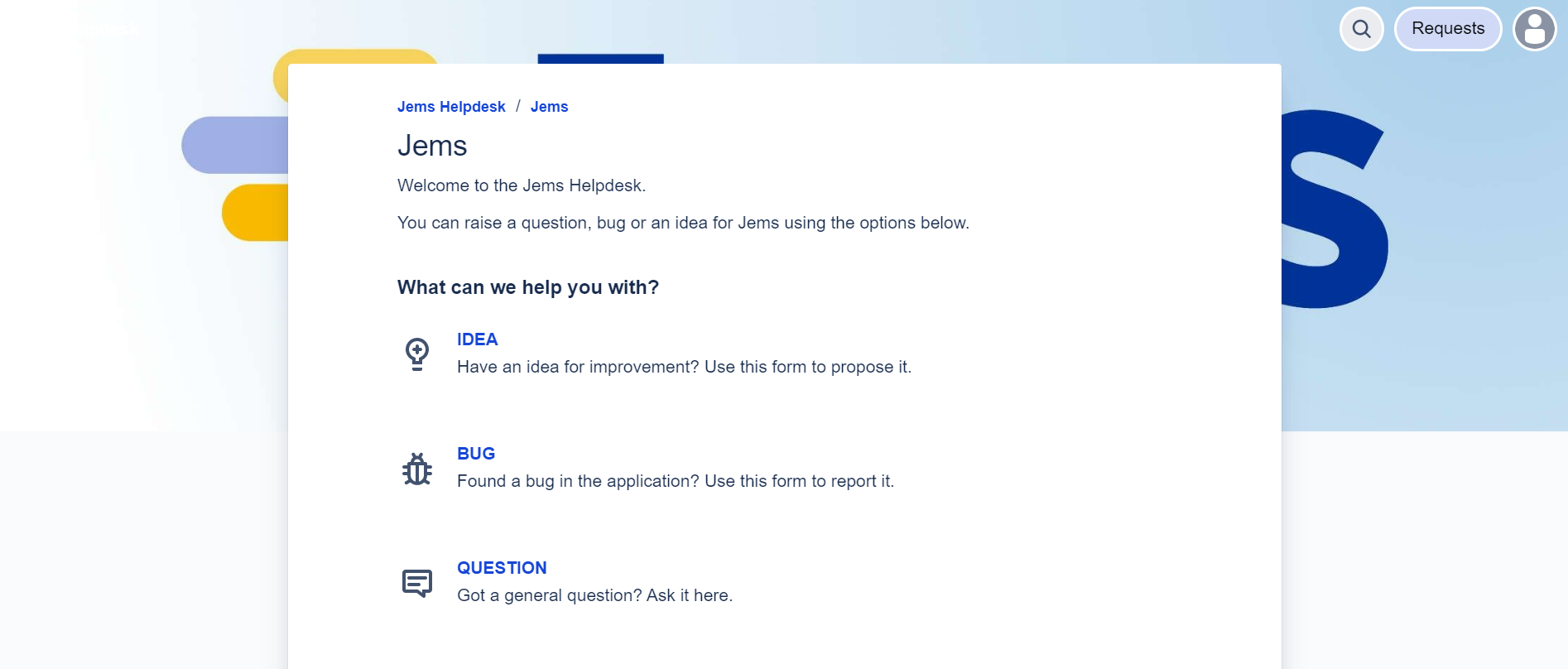
After the successful login, you are prompted to create one of the 3 types of tickets:
Each type of ticket has different form. Let’s take as example the report of a BUG:
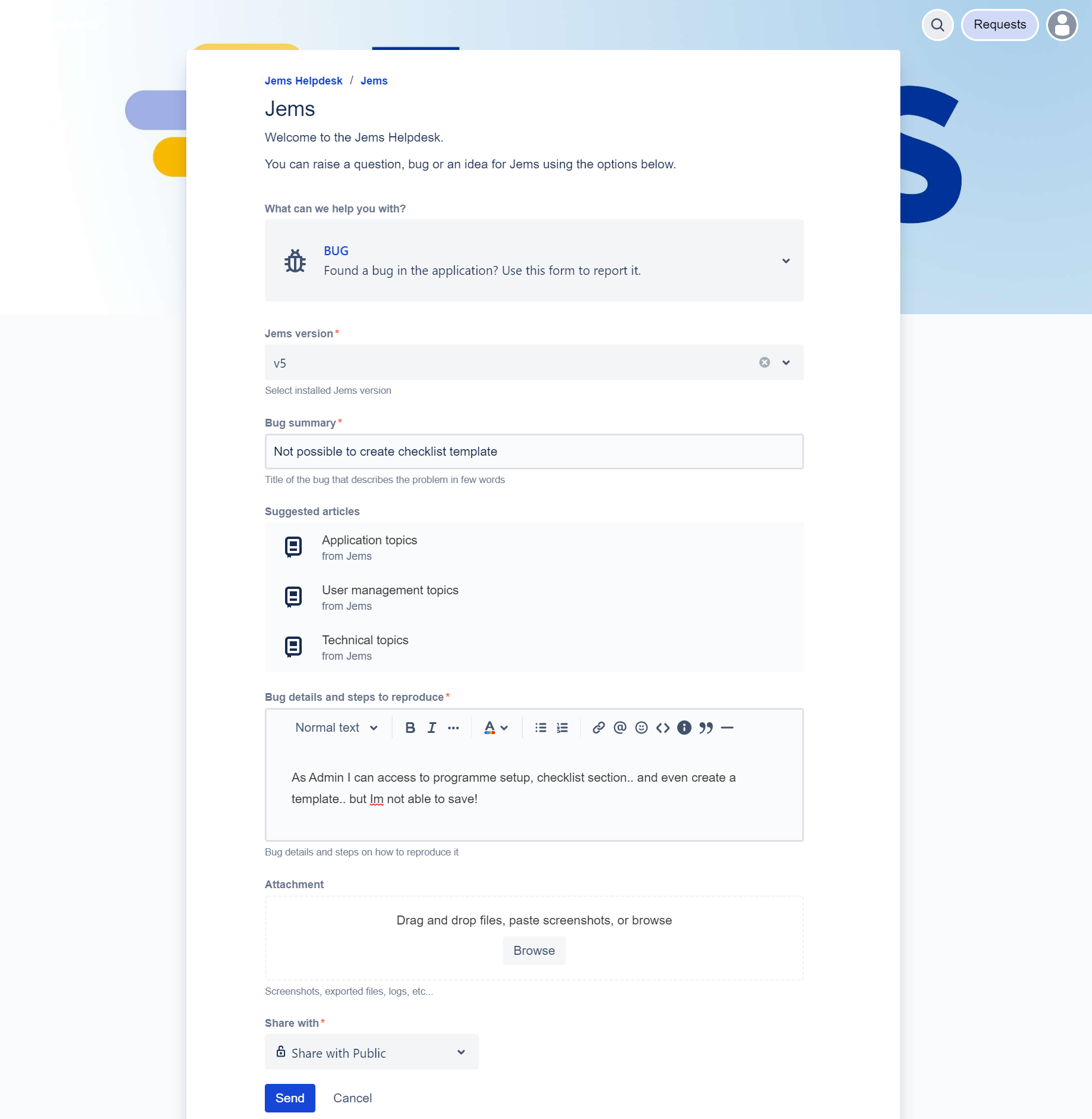
Share with* Allows you to select the group of people who can see your post. In case of bugs, we highly recommend you to only share within your programme - Bugs can be very specific of your installation. On other hand, ticket type Idea, can be used to share with all programmes (e.g. translation file for all german programmes).
Upon creation of the ticket, you are still able to update it (in case you forgot some additional information).
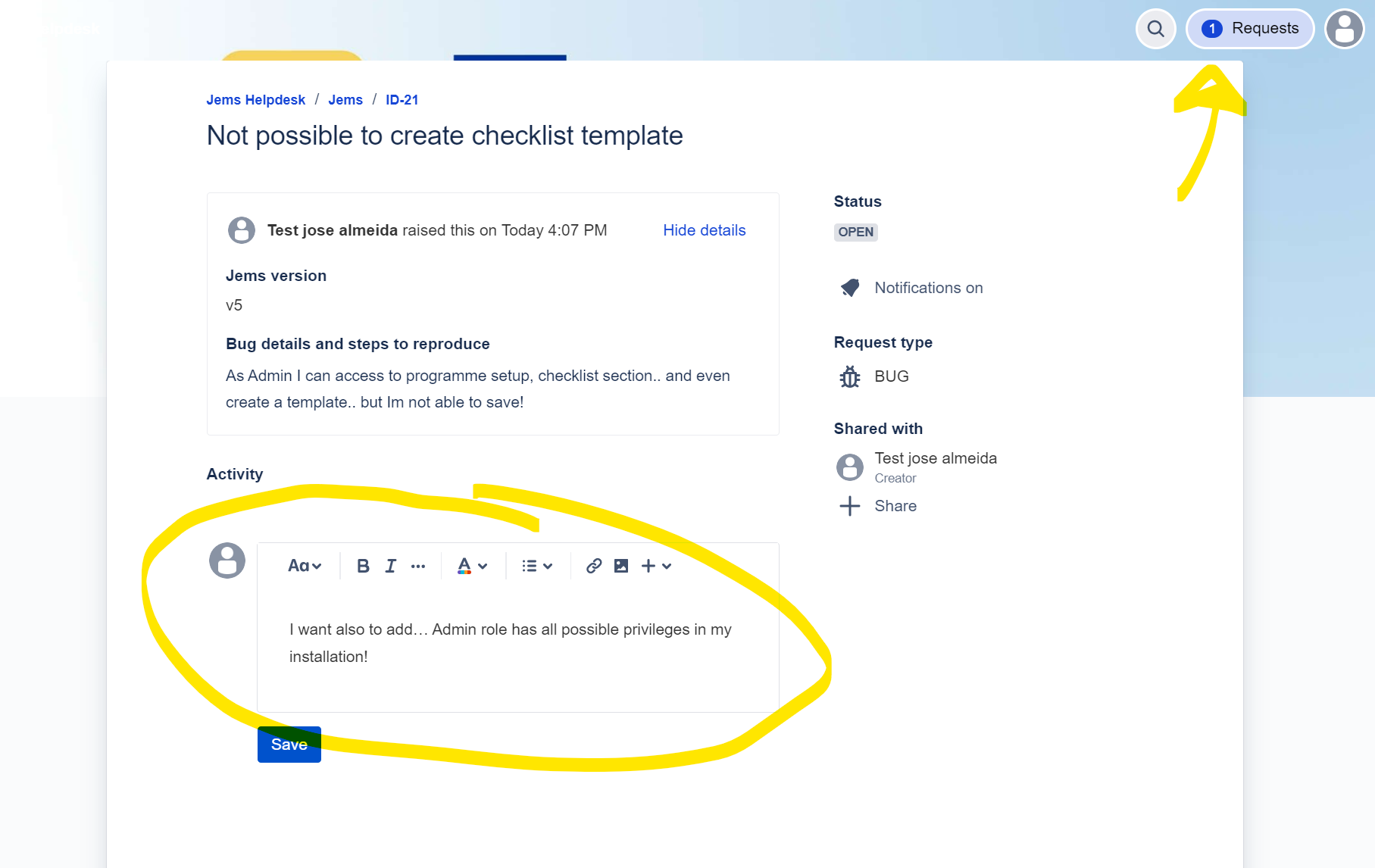
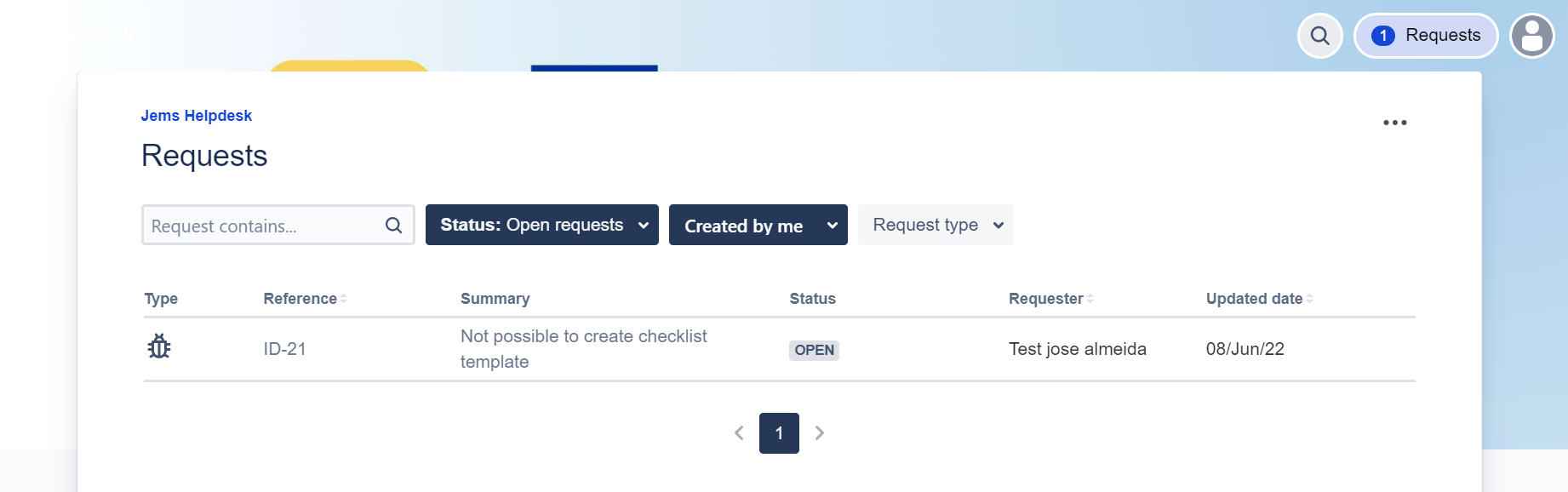
You can access all your existing tickets at any time and update accordingly.
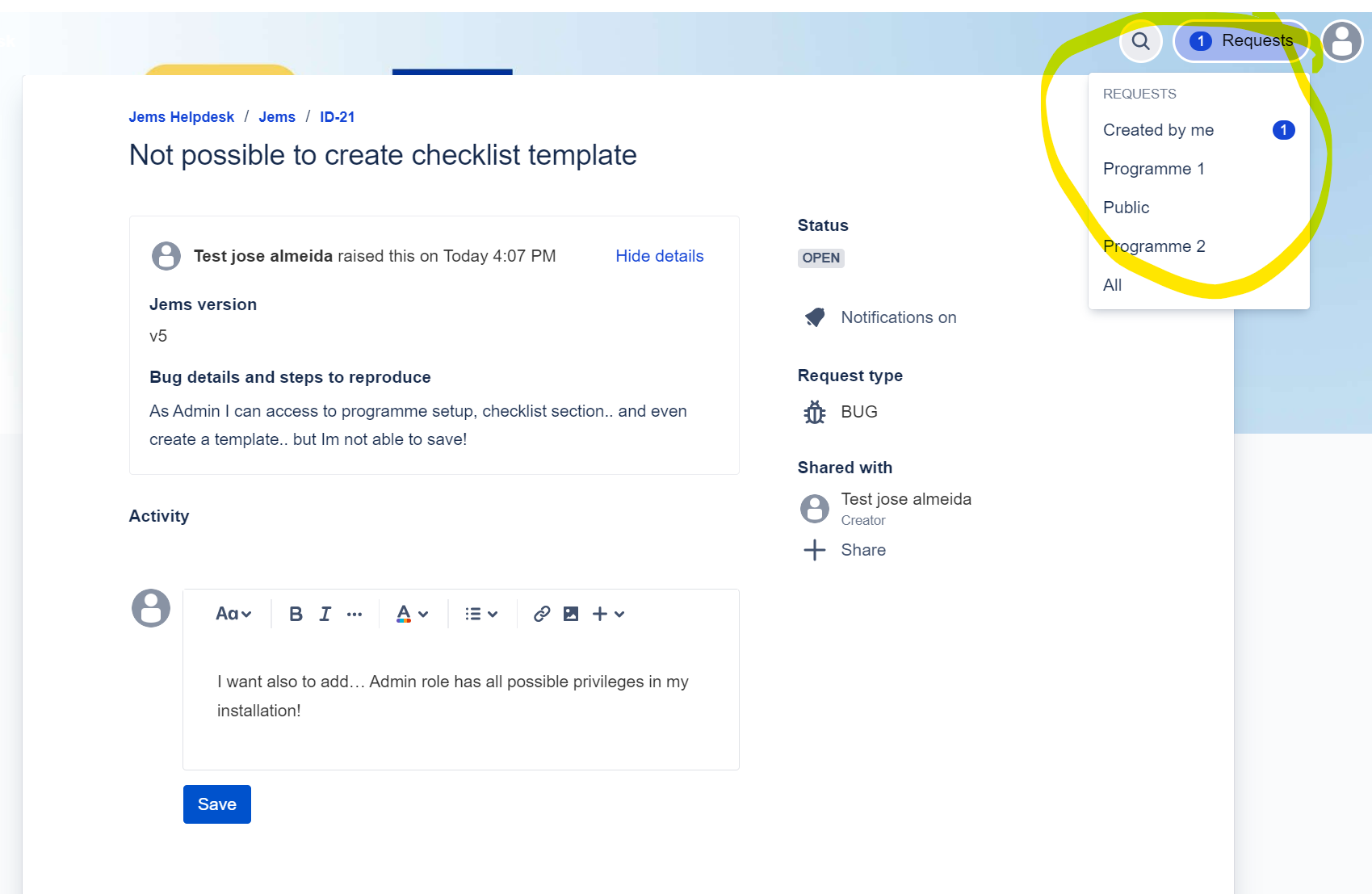
Tickets that have status open are still being analyzed by Interact. Still, you can also update a closed ticket - It will get open automatically and Interact will see it!
All interaction with helpdesk shall be reflected in your mail box - You just need to check your mail for updates on your tickets!