This document targets programmes who make developments (extend Jems functionalities) and intend to share their work with community.
Background
Jems is a joint monitoring system designed to fulfill general programmes requirements and simplify the implementation of specific programme needs (e.g. via plugins/addons).
All programmes are encouraged to share their plans or finalized developments with the community via Interact sharing platform (JemsCloud).
If there is a lot of interest from the community in a specific development, Interact can make it part of the official release.
There can be different types of developments:
-
Translations – AF or System translations for Jems.
-
Plugins – All kinds of plugins that can be loaded directly in Jems.
-
API solutions – Independent applications that connect to Jems via API
-
Core-Modifications – Any feature developed that changed Jems core-code
Steps
Development Announcement (Skip if development is finalized)
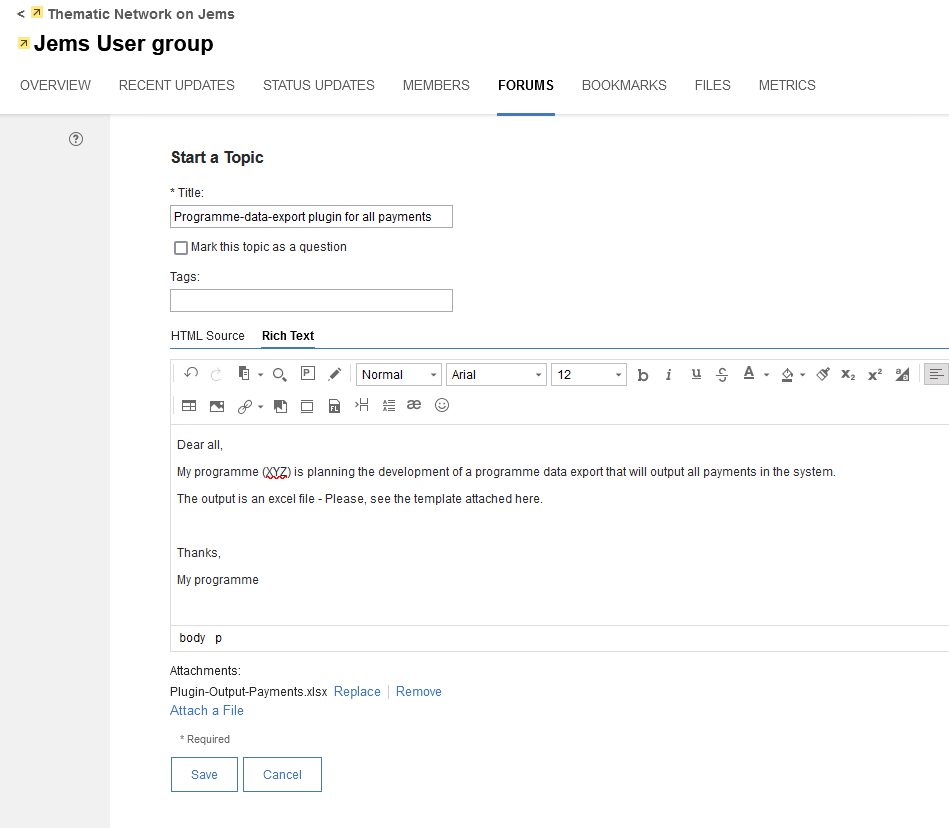
Suppose your programme has collected all requirements and decided to proceed with the development. In that case, an announcement should be made so that other programmes planning to do something similar can collaborate or avoid duplicated efforts.
-
Go to Interact Community “Jems User group” and pick the forum “Joint developments”.
-
Write a post explaining what problem/issue your programme is solving and how the solution will work.
Sharing
Finalized developments – if your programme has finished development, you should share the code with a brief explanation on JemsCloud.
-
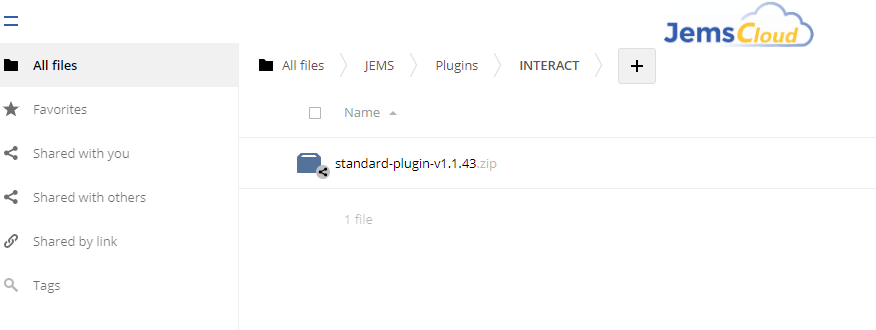
Go to JemsCloud (login with your programme credentials). If you don’t have an account, please create a ticket in Jems Helpdesk with the type of development you want to share
-
Choose the folder that corresponds with the type of development you are about to share. Inside the folder, you should be able to find your programme folder – upload the files here.
-
You can create more folders or upload all projects in a zip file.
-
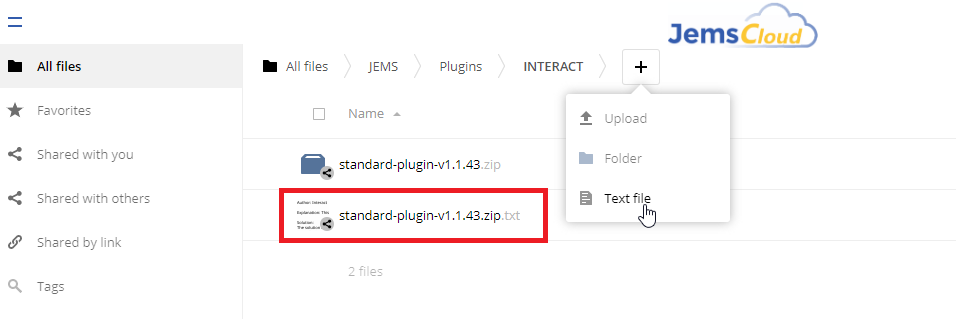
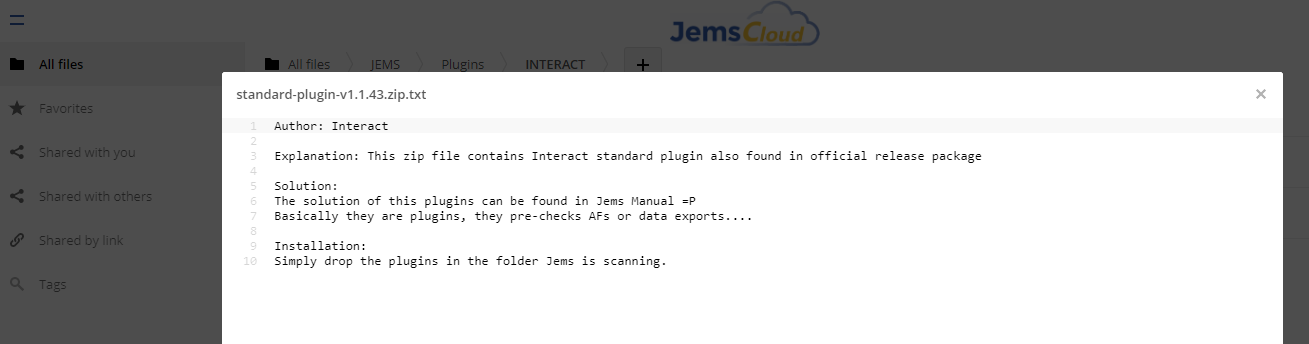
Please create a txt file with same name that provides details about the development (including installation steps if required).
-
-
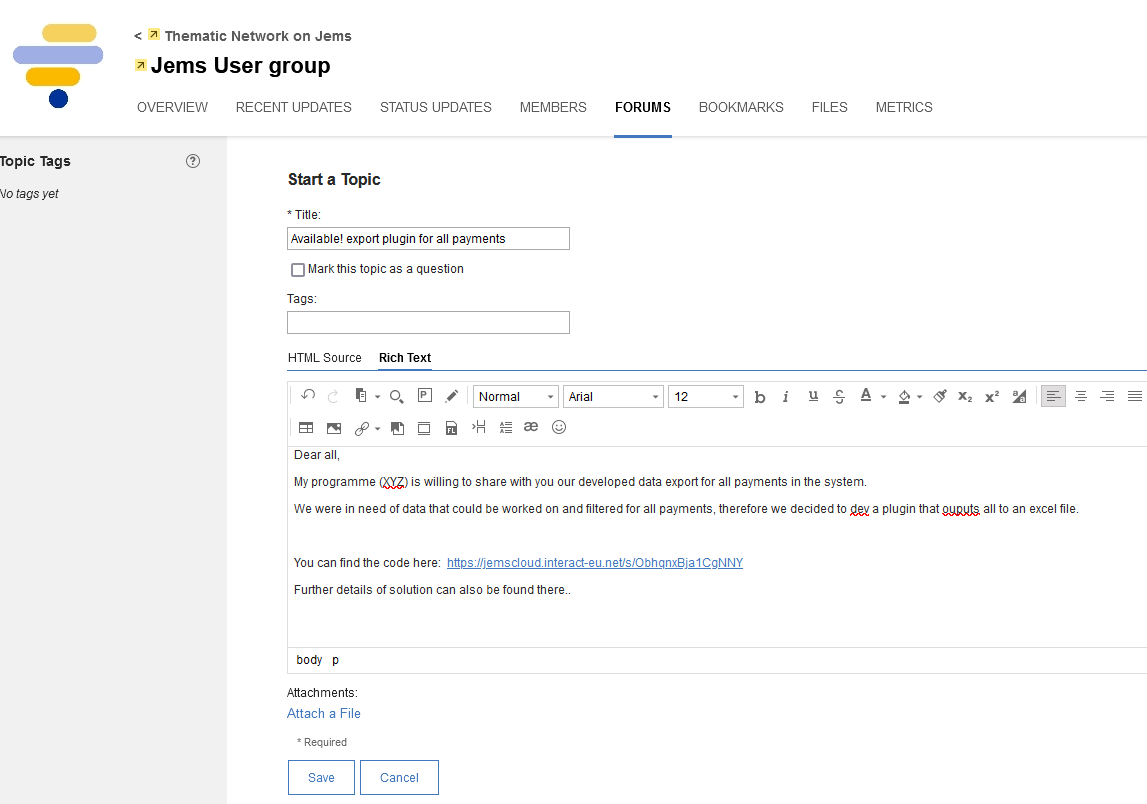
Go to Interact Community “Jems User group” and pick the forum “Joint developments”. Write a post explaining what problem/issue your programme solved by particular development and how it works. Provide a link to the uploaded files in the JemsCloud - See below picture as example: